The flow
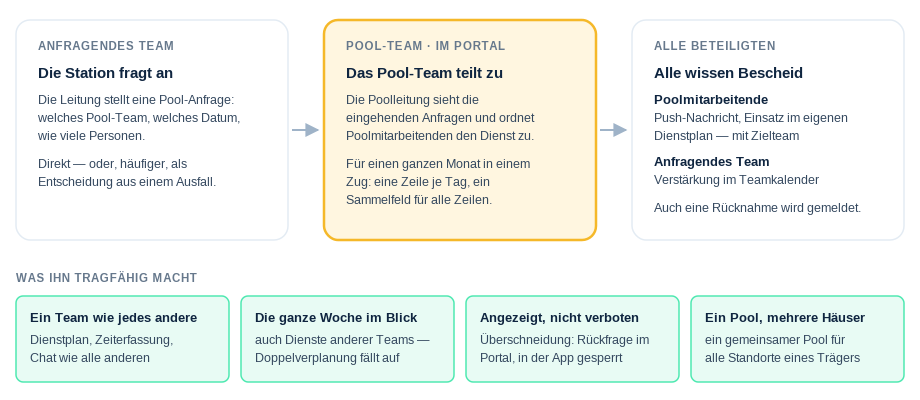
The ward asks. The lead raises a pool request: which pool team, which date, how many people. That can be done directly — or as a decision coming out of an absence, which is the more common route.
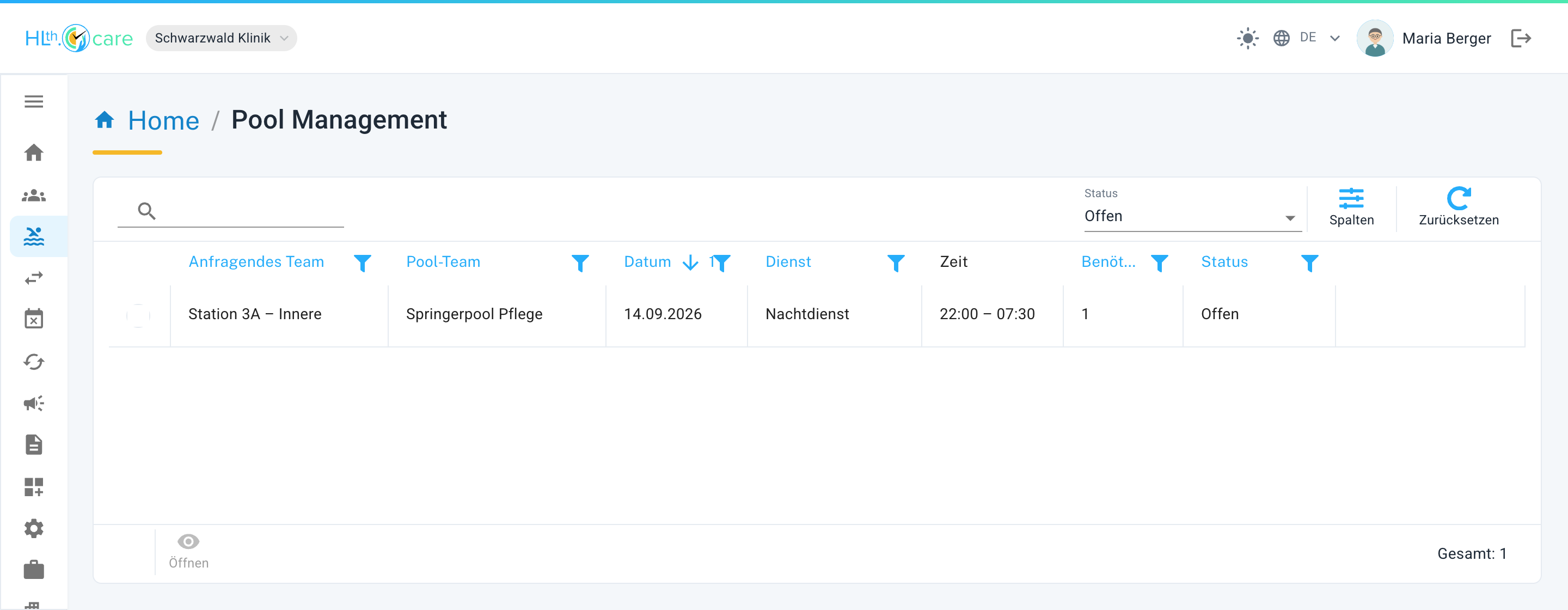
The pool team assigns. The pool lead sees the incoming requests and assigns a member of the pool staff to the target shift. A whole month can be done in one pass: a table, one row per day, and a bulk field that writes the same assignment into every row.
Everyone involved knows. The person from the pool gets a push notification and sees the assignment in her own roster — with the target team. The requesting team sees the reinforcement in the team calendar. If an assignment is withdrawn, the person from the pool is told that too.
What makes it hold up
The pool is a team like any other. Pool staff have the same roster, the same time recording, the same chat. They are not a special case administered in a list of their own.
The assignment view sees the whole week. The monthly dialog shows what else the person has — including shifts in other teams. Double-booking shows up before it happens.
Overlaps are flagged, not forbidden. If you know what you are doing, you can assign past a warning in the portal. The app blocks the same overlap outright — the decision sits deliberately with the lead, not with the system.
One pool can serve several sites. Providers with more than one location run a shared pool and spread it across the sites, without every ward needing an arrangement of its own.
Student and flex pools
The same mechanics carry the pools that are not classic relief staff: students taking shifts alongside their studies, part-time employees with a flexible allowance, people returning to work with limited availability. The difference lies in the shift types and permissions, not in the flow.
What you should honestly know
- A pool request can only be filled with a shift on the same day. If you want to move it, you raise a new request.
- Requests expire automatically once their date has passed — with no notification. An assignment already made is unaffected, which is why a request can read “expired” while somebody is in fact rostered.
- Pool administration runs in the portal, not in the app. The person from the pool only needs the app.